Tools & modes
Every tool and mode in the milume widget, with its icon and keyboard shortcut.
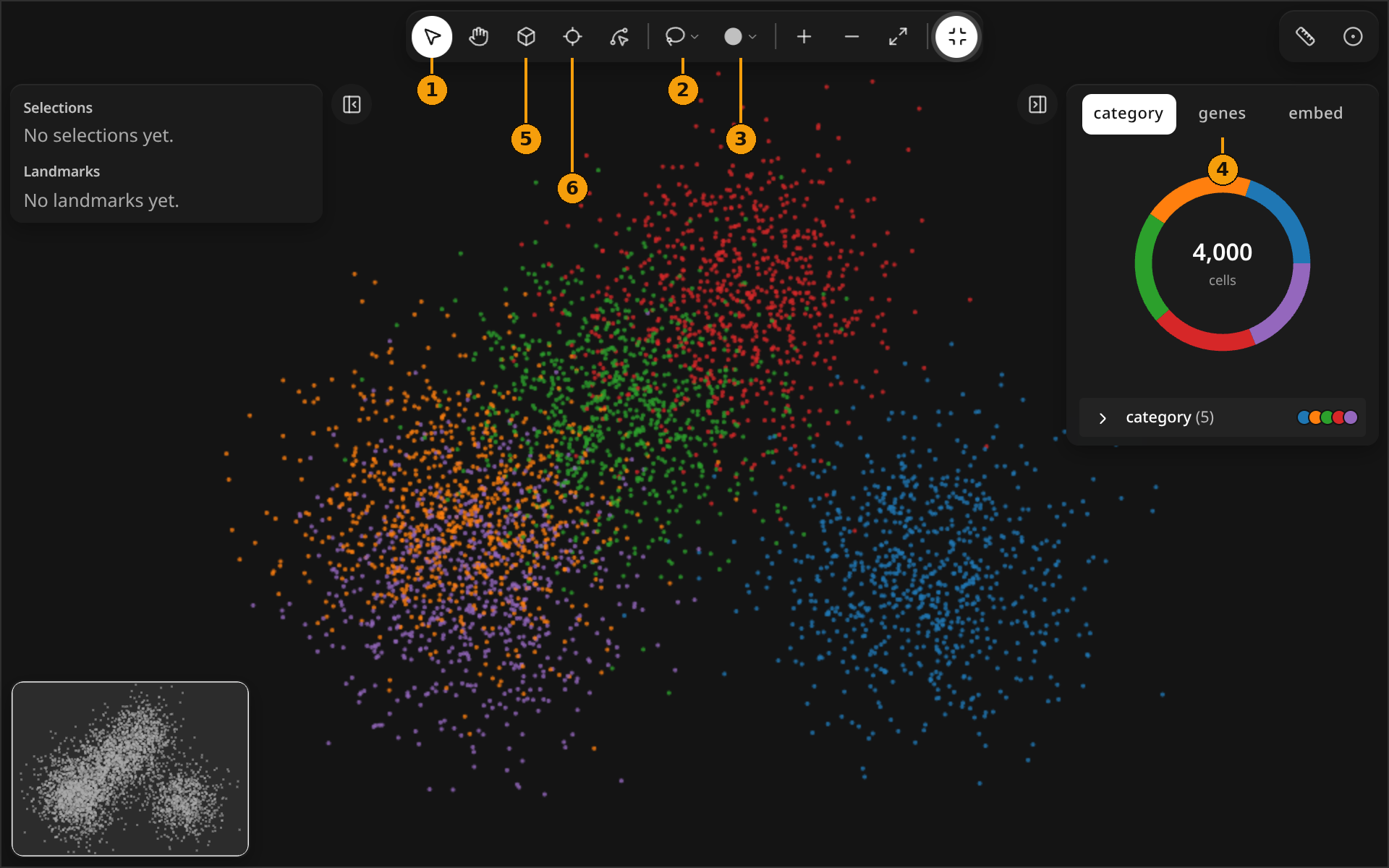
1 Navigate VSelect, pan, zoom, minimap, rulers, full screen.
2 Select regions LLasso, Square, Circle and Shape regions you read back in Python.
3 Landmarks 1–4Points, lines, splines and shapes with buffers.
4 Color & layersColor by category, gene or embedding; points or raster; the layers list.
5 Inspect in 3D IA 3D cube of image, labels and transcripts you can slice and orbit.
6 Probe PHover or pin a bin to see raster similarity.
MeasureDistances, composition and enrichment from Python.
Start with milume.peek(...): see the Quickstart.