Inspect in 3D
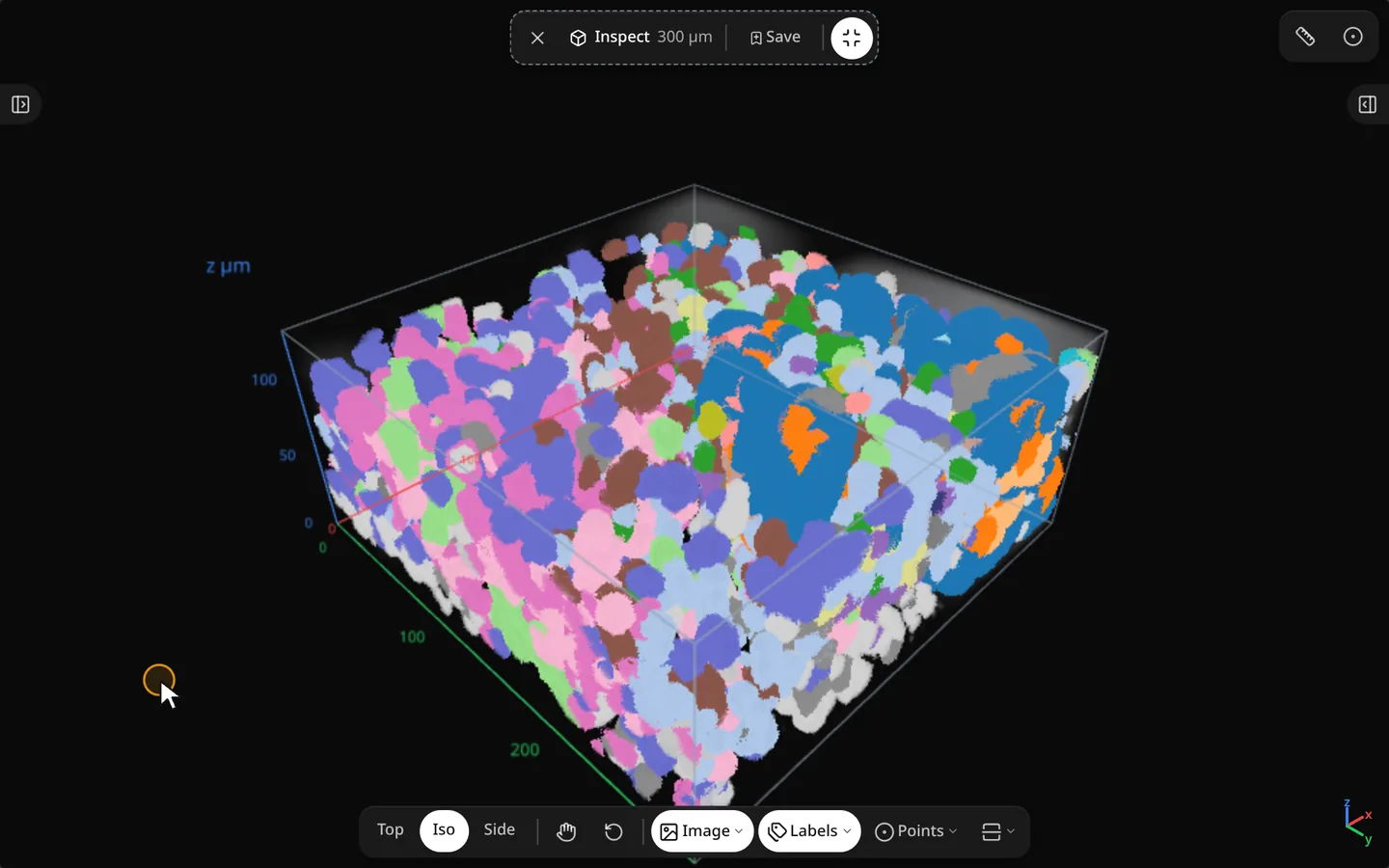
Place a cube window on the map, then orbit and slice image, labels and transcripts together.
import milume
w = milume.peek(sdata, image="mosaic", labels="cells")  # press I, then click the tissue
w.volume_cut  # cut-plane state after you slide the cross-section
Entering Inspect
Press I or click Inspect, then click the tissue to place a cube window. The top pill shows the window size, Save window and Exit Inspect (Esc).
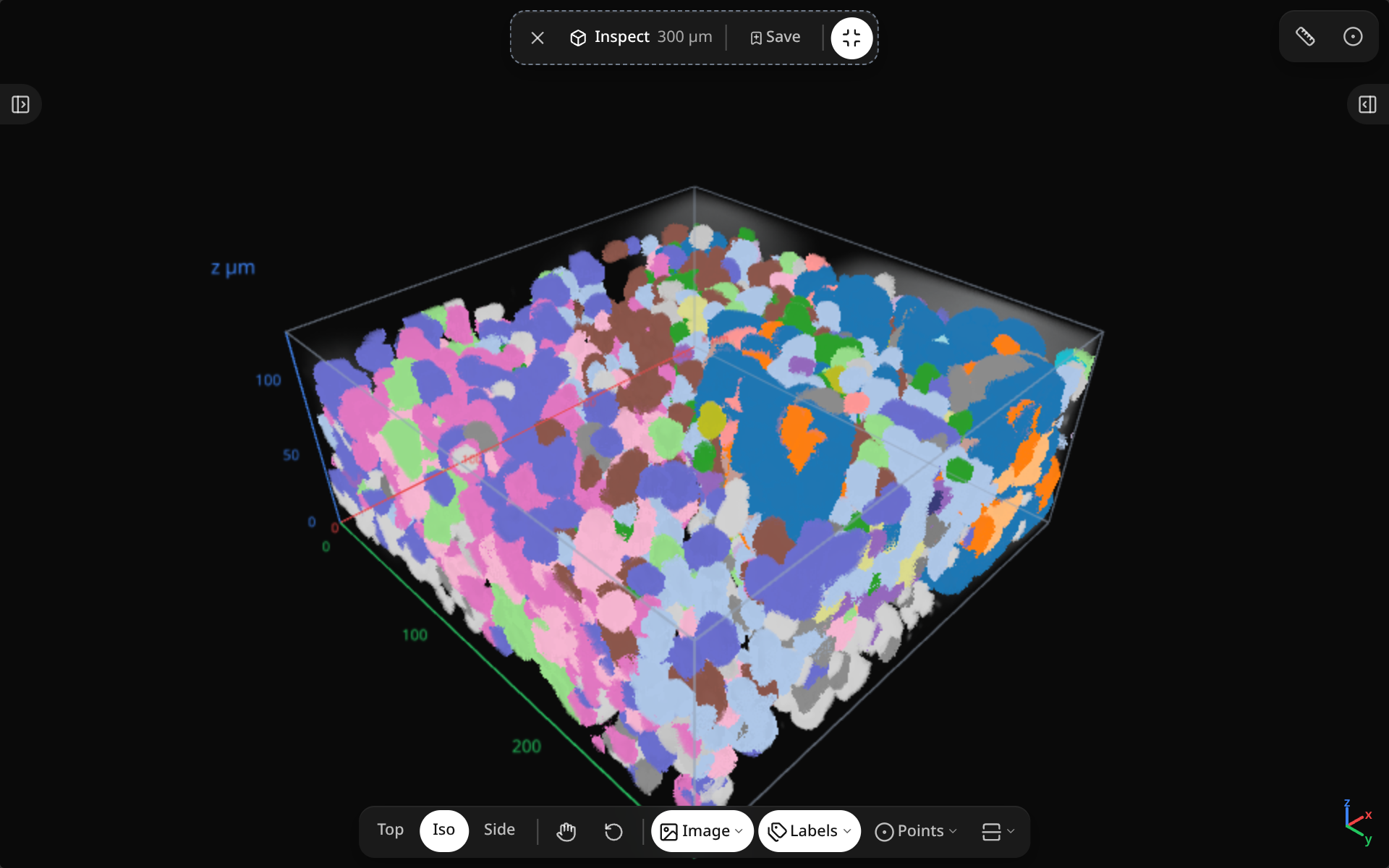
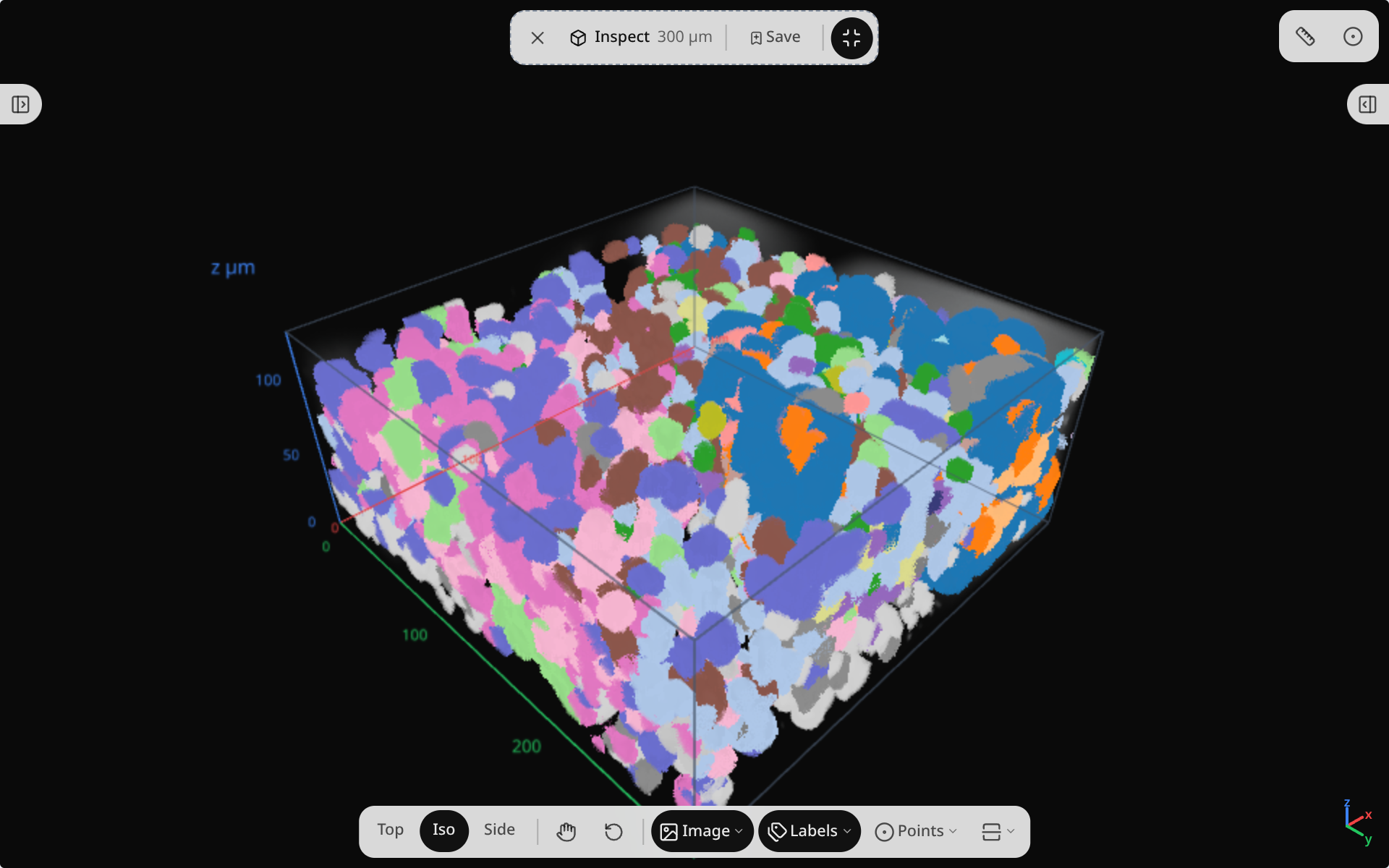
Inspect toolbar
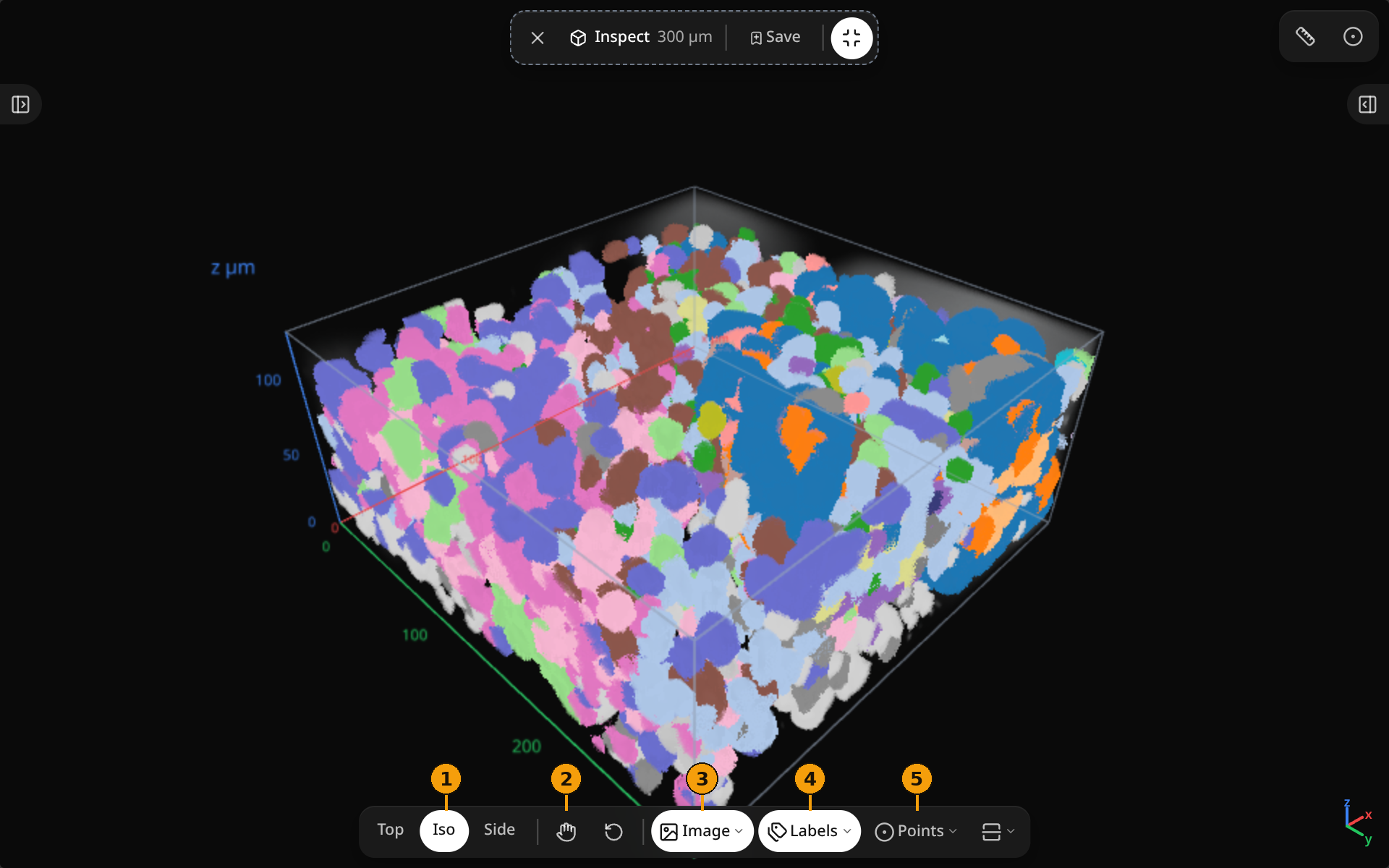
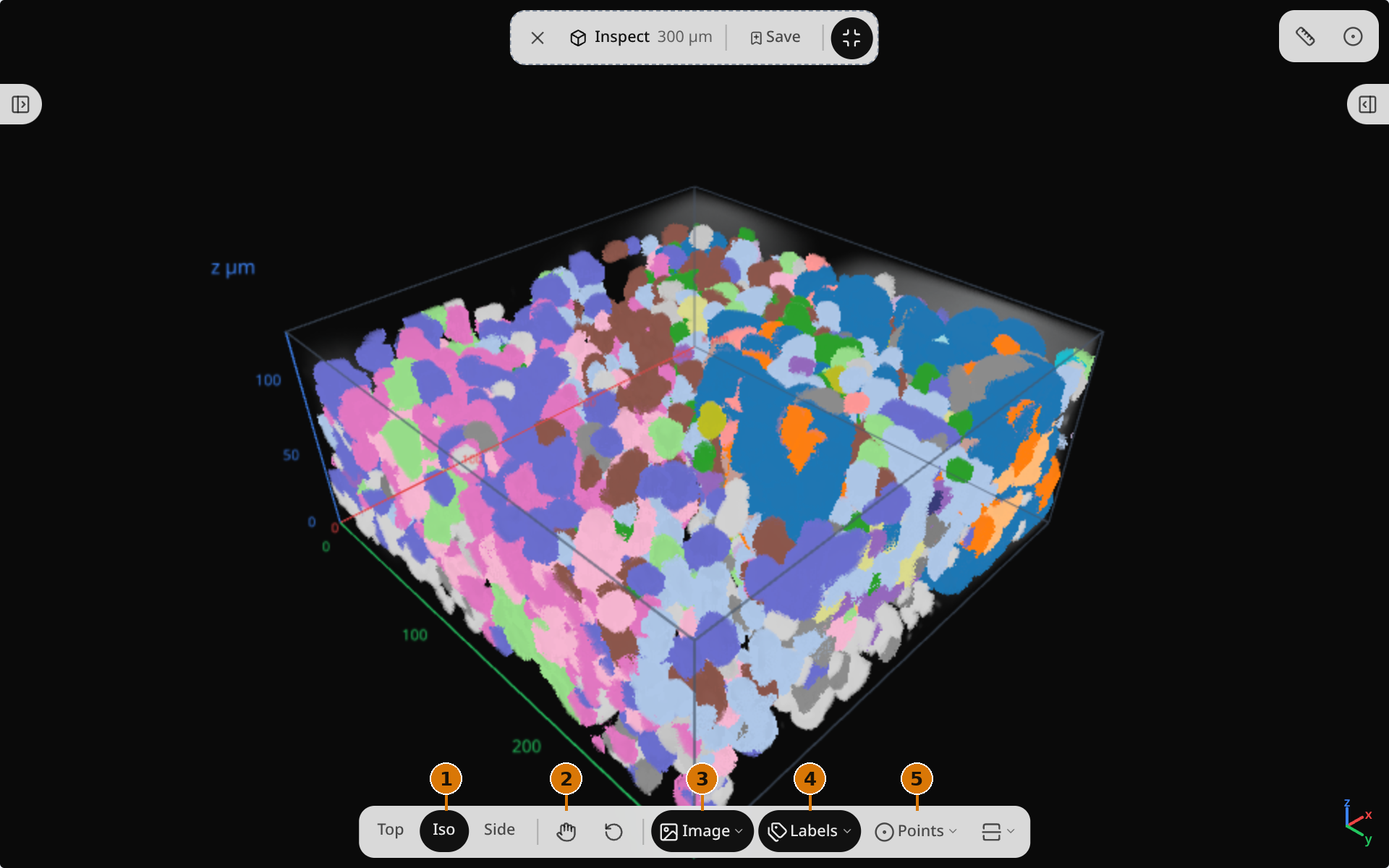
| Control | What it does | |
|---|---|---|
| 1 | Top / Iso / Side | Snap the camera to a top, oblique or side view. |
| 2 | Move | Drag to pan the cube window on the map. |
| Reset view | Return the cube camera to its default. | |
| 3 | Image | Show or hide the image layer. Right-click for palette, contrast, alpha, gamma and projection. |
| 4 | Labels | Show or hide the labels layer. Right-click for projection and fill. Cell outlines stay on. |
| 5 | Points | Show or hide the points layer. |
| Cross-section | Slide a cut plane through the cube. |
Cross-section
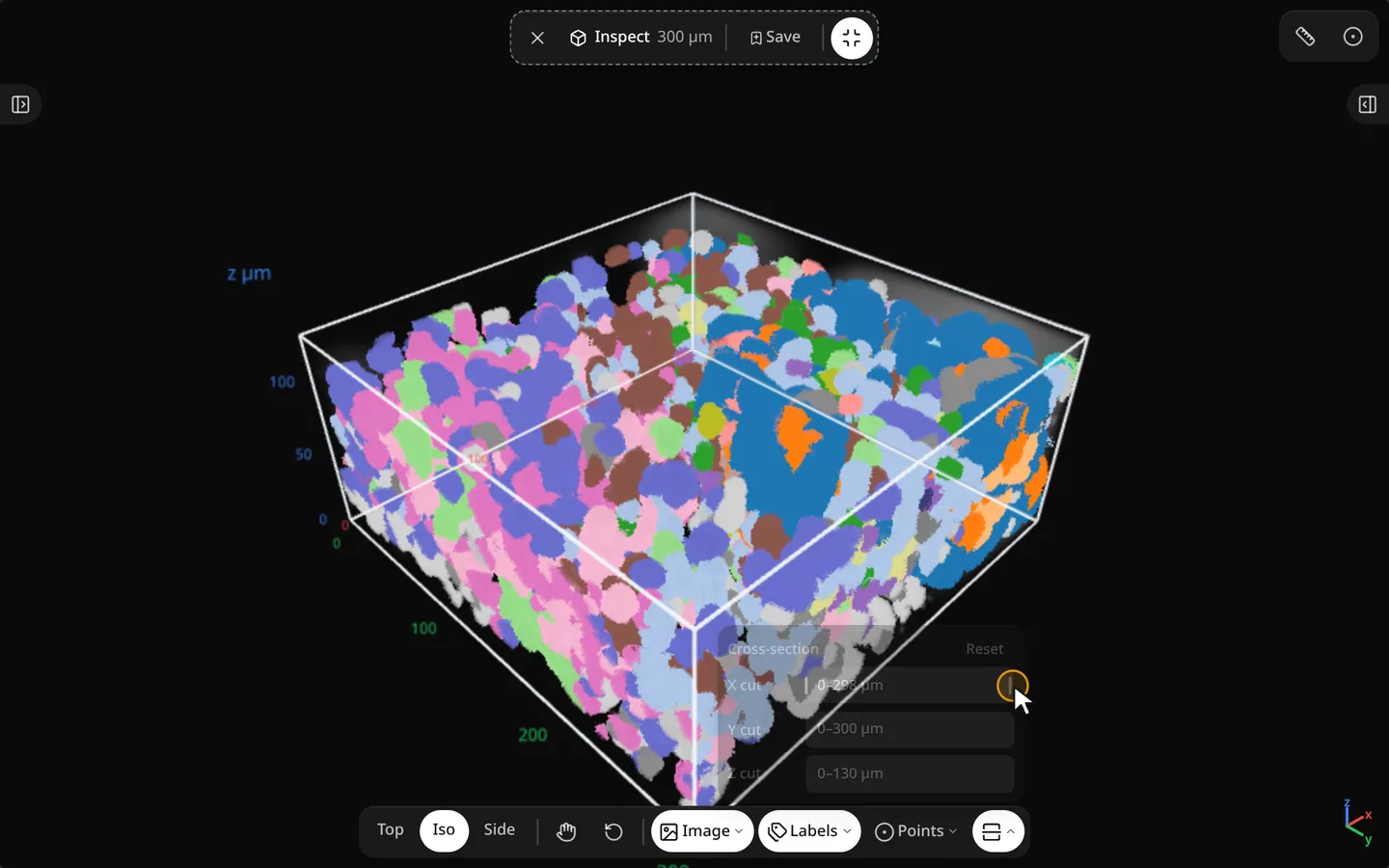
Python
w.inspect_cx, w.inspect_cy, w.inspect_size_um  # window center and size
w.volume_cut                                  # cut-plane state
See Synced traitlets for the volume fields, and pass image= / labels= to milume.peek in Constructor parameters.