Navigate
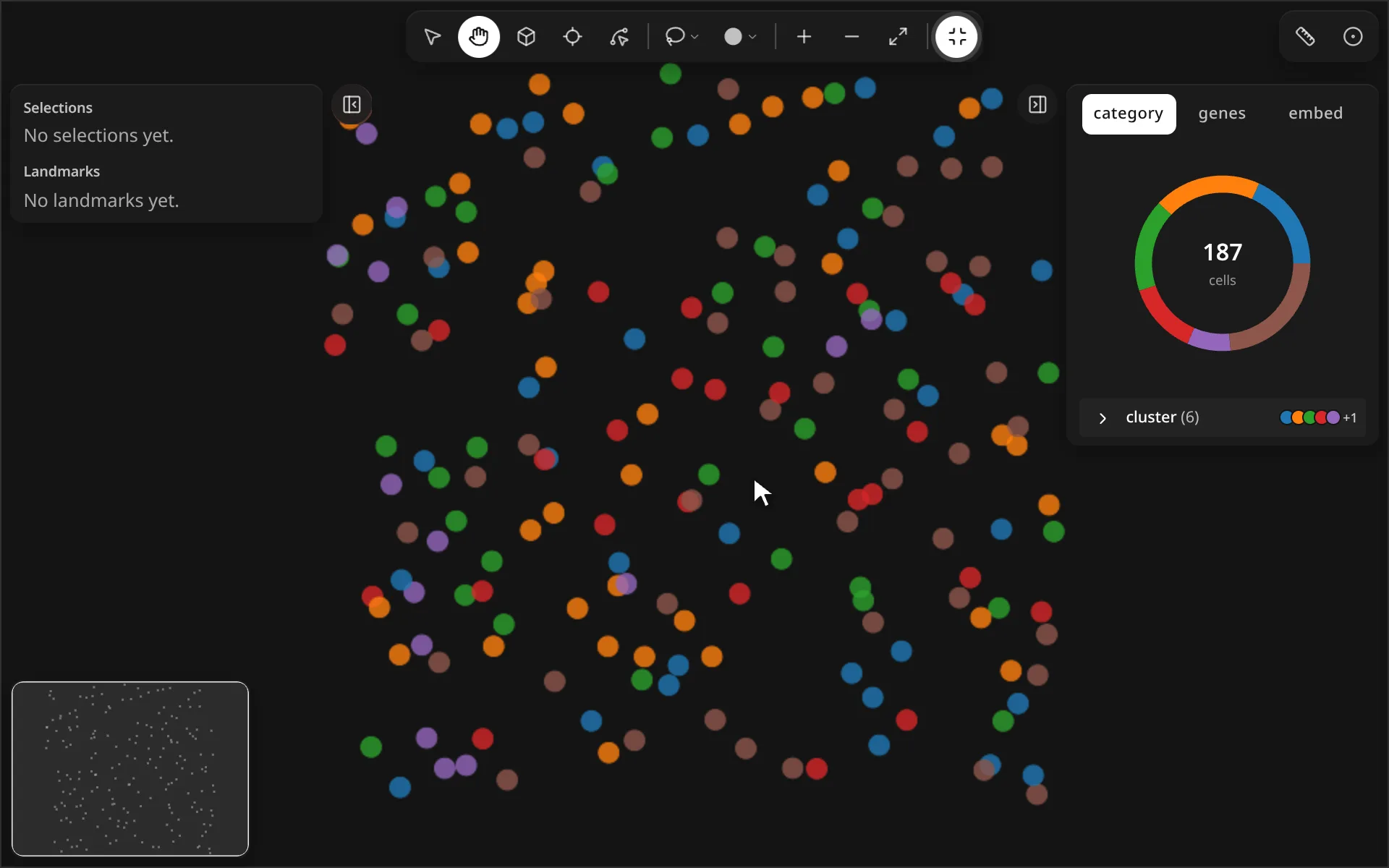
Scroll to zoom, drag to pan, and press 0 to fit the whole tissue back in view.
Controls
| Control | What it does | |
|---|---|---|
| Select (V) | Default tool. Click a selection or landmark to open its context toolbar. | |
| Move (H) | Drag anywhere to pan. Hold Space to pan with any tool. | |
| Zoom in (=) | Zoom in one step. The scroll wheel also zooms. | |
| Zoom out (-) | Zoom out one step. | |
| Reset view (0) | Fit all cells in view. | |
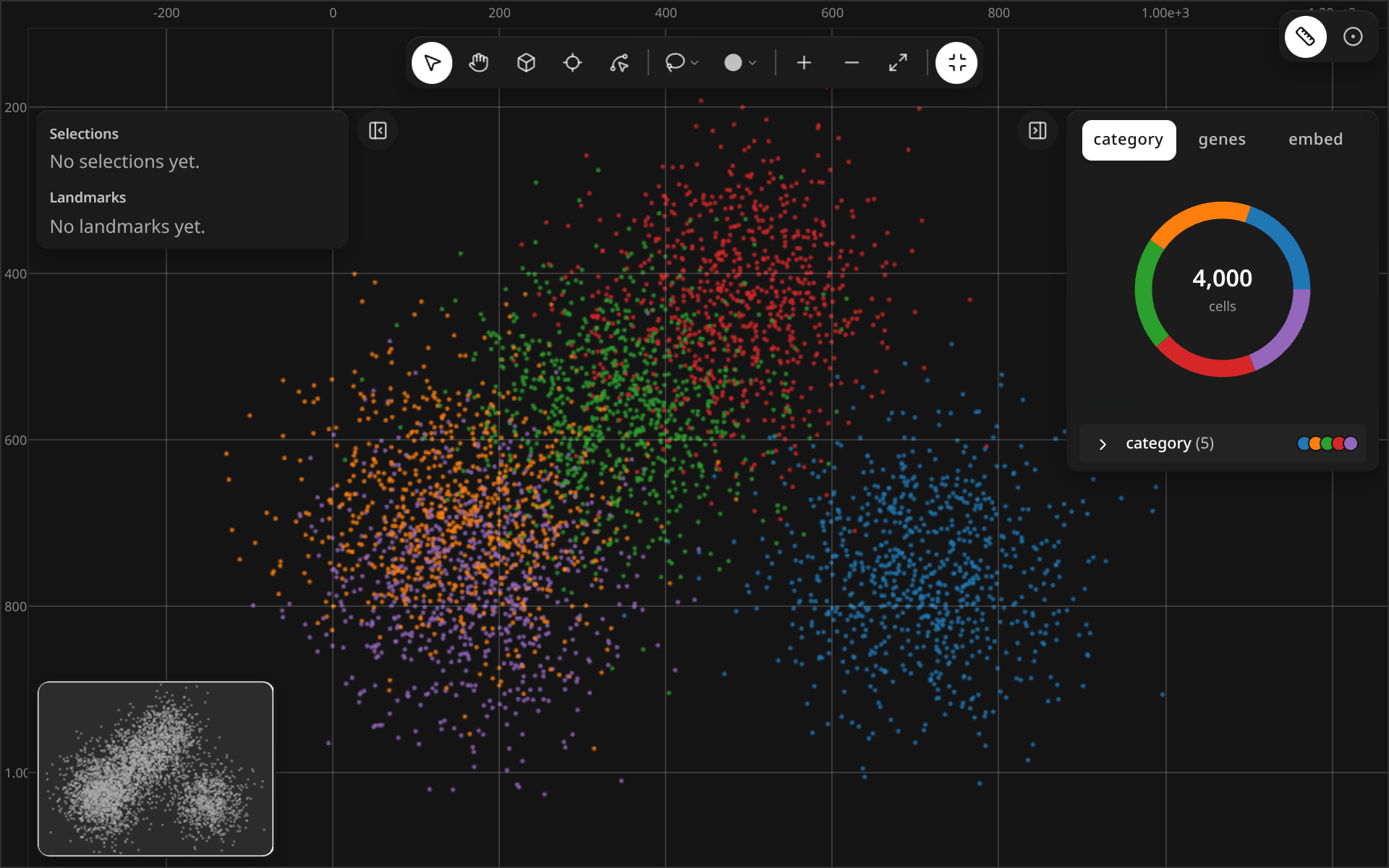
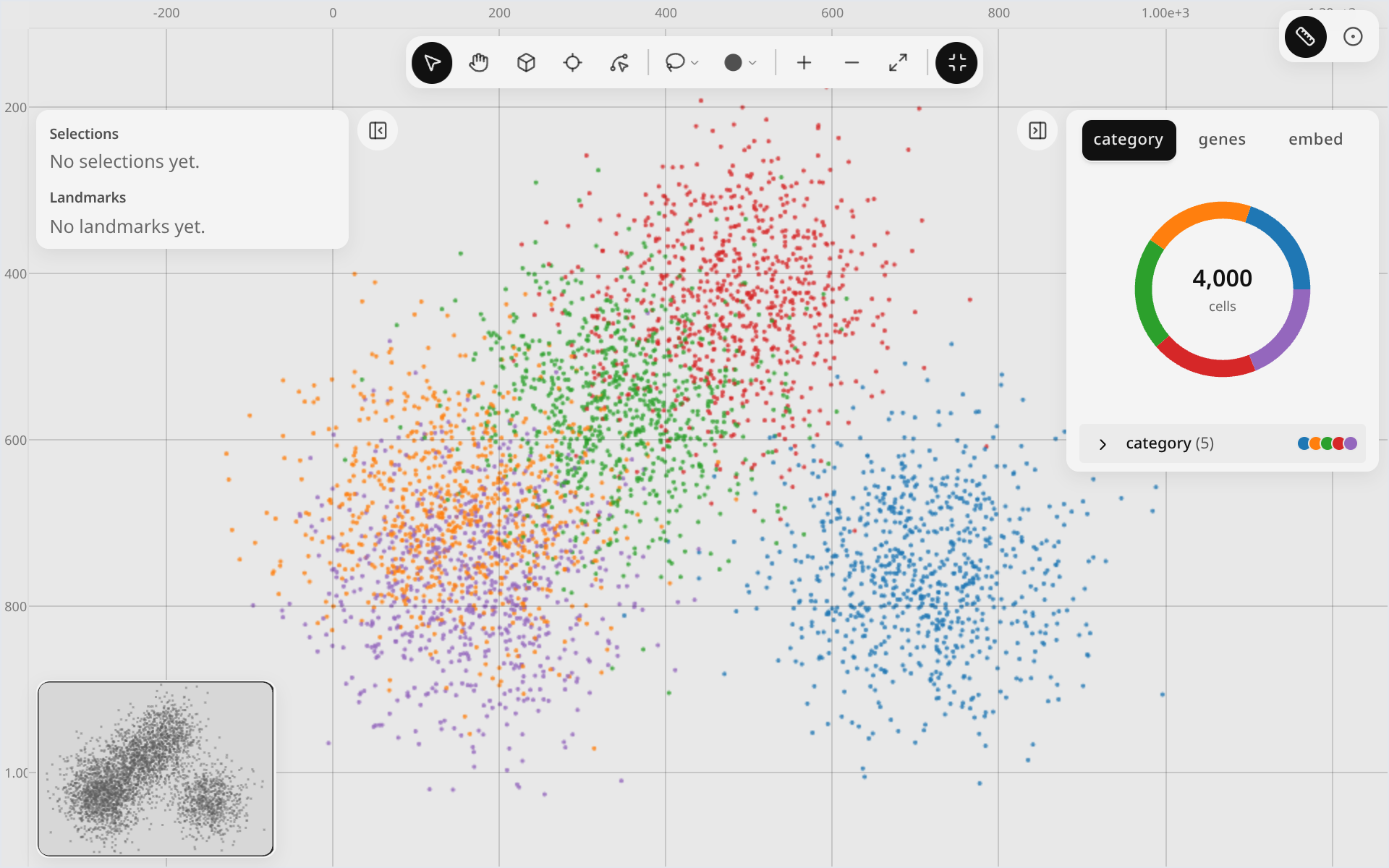
| Canvas rulers | Show coordinate rulers along the top and left edges. | |
| Full screen (F) | Fill the screen with the widget; Exit full screen returns. | |
| Collapse left / right panel ([ / ]) | Hide a side panel; Show left panel brings it back. | |
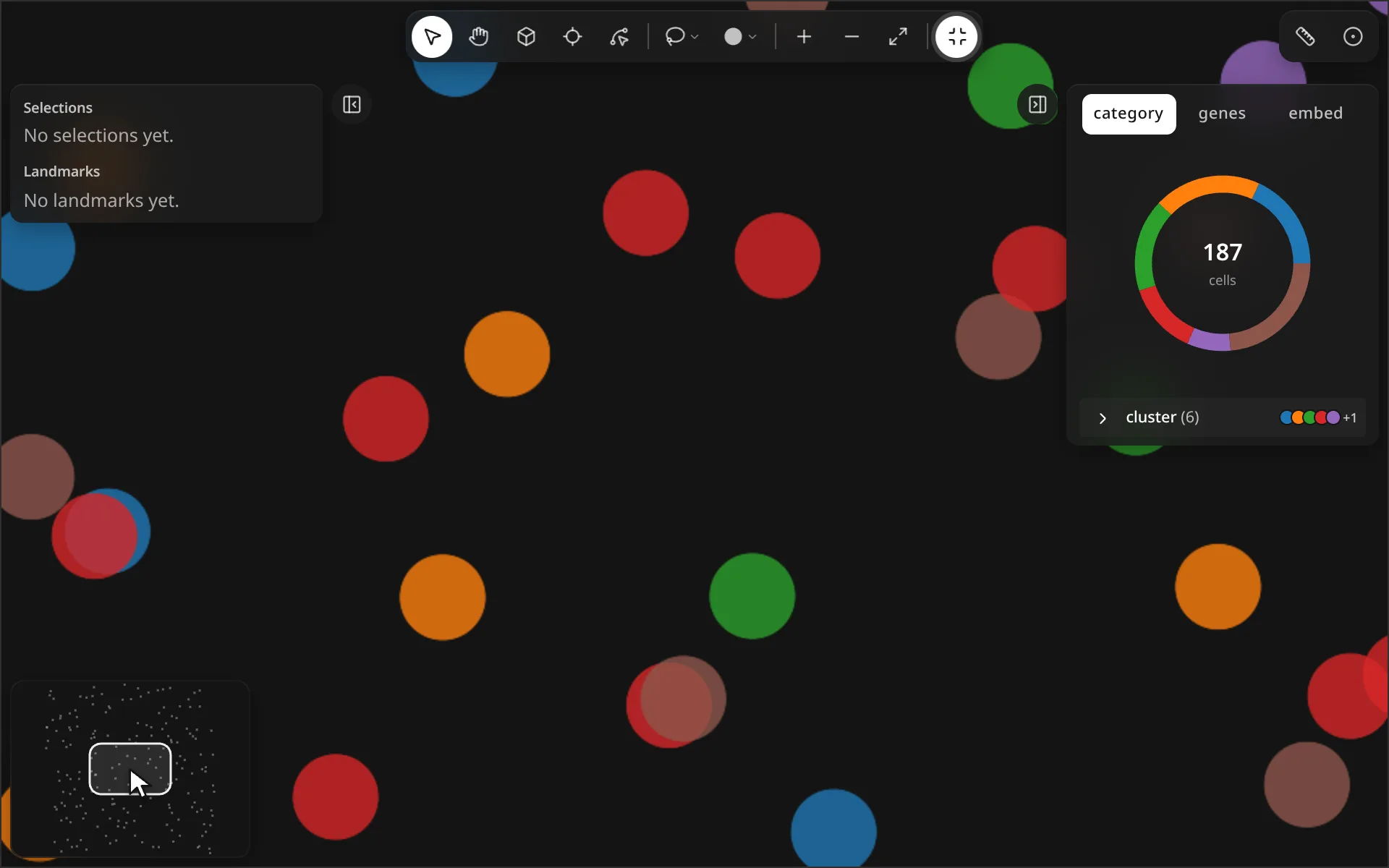
| Minimap | Drag the viewport box to pan; scroll on it to zoom. |
Minimap
Canvas rulers
Keyboard shortcuts
| Action | Keys |
|---|---|
| Select | V |
| Move | H |
| Pan while held (any tool) | Space |
| Zoom in / out | = / - |
| Reset view | 0 |
| Full screen | F |
| Collapse left / right panel | [ / ] |
| Deselect, cancel a draft | Esc |
Python
The active tool and the rulers are synced traitlets, so you can set them from a cell:
See Synced traitlets for the full list.