Landmarks
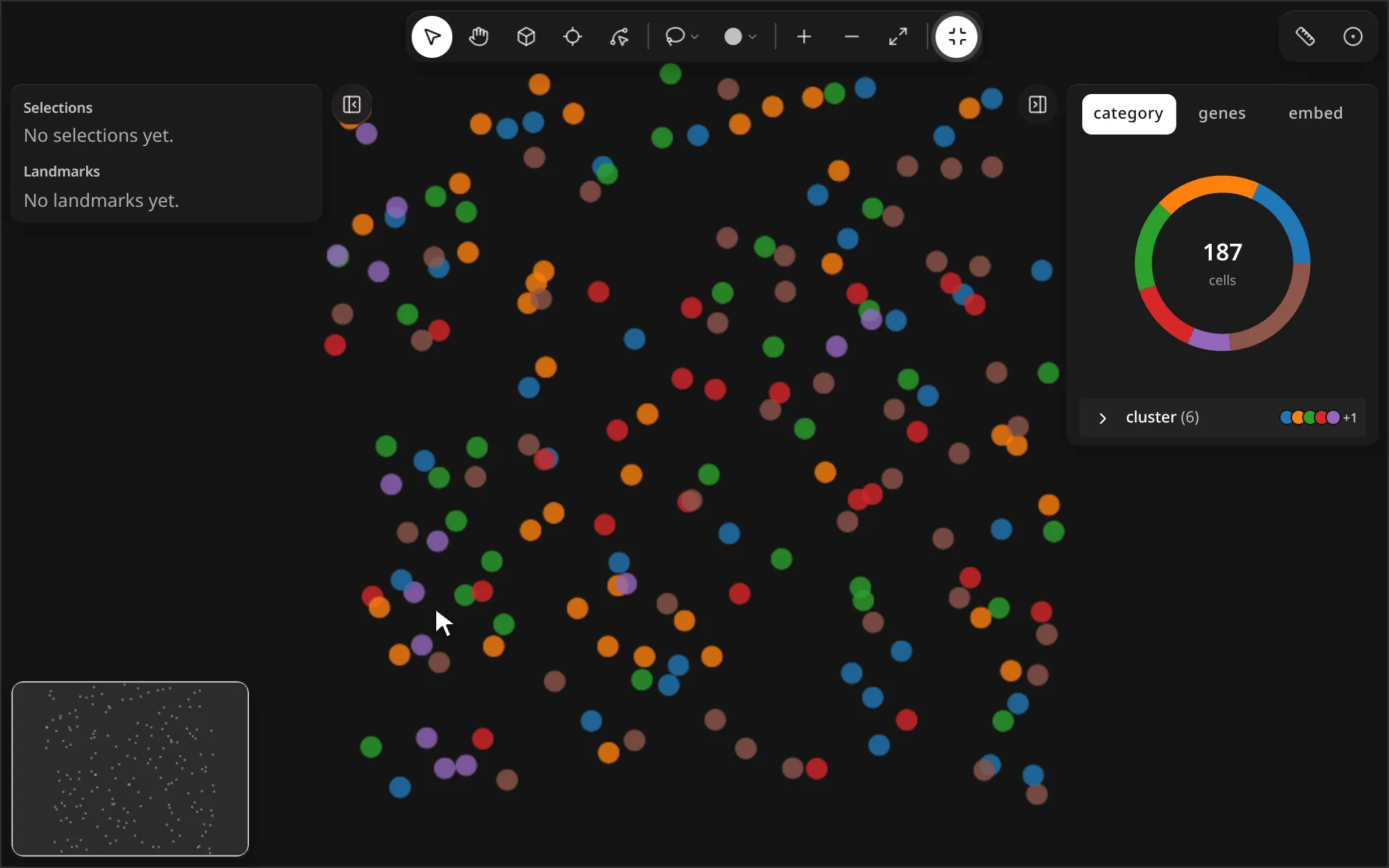
Click to place landmark vertices, press Enter to finish, then widen a buffer around the line.
import milume
w = milume.peek(adata)  # press 3, click points, Enter
w.landmarks             # list of landmark dicts
Landmarks are durable geometric annotations (points, lines, splines, shapes). Selections are analysis regions; see Select regions.
Draw tools
The four landmark tools share one toolbar button. Click it to arm the last-used tool, or right-click it to pick another.
| Control | What it does | |
|---|---|---|
| Point (1) | Click once to place a point. | |
| Line (2) | Click vertices of a polyline; press Enter to finish. | |
| Spline (3) | Click control points of a smooth curve; press Enter to finish. | |
| Shape (4) | Click vertices of a closed shape; press Enter to finish. | |
| Node (N) | Drag, insert or delete vertices of the selected landmark. |
Context toolbar
Click a landmark with Select (V) to open its toolbar at the bottom of the map.
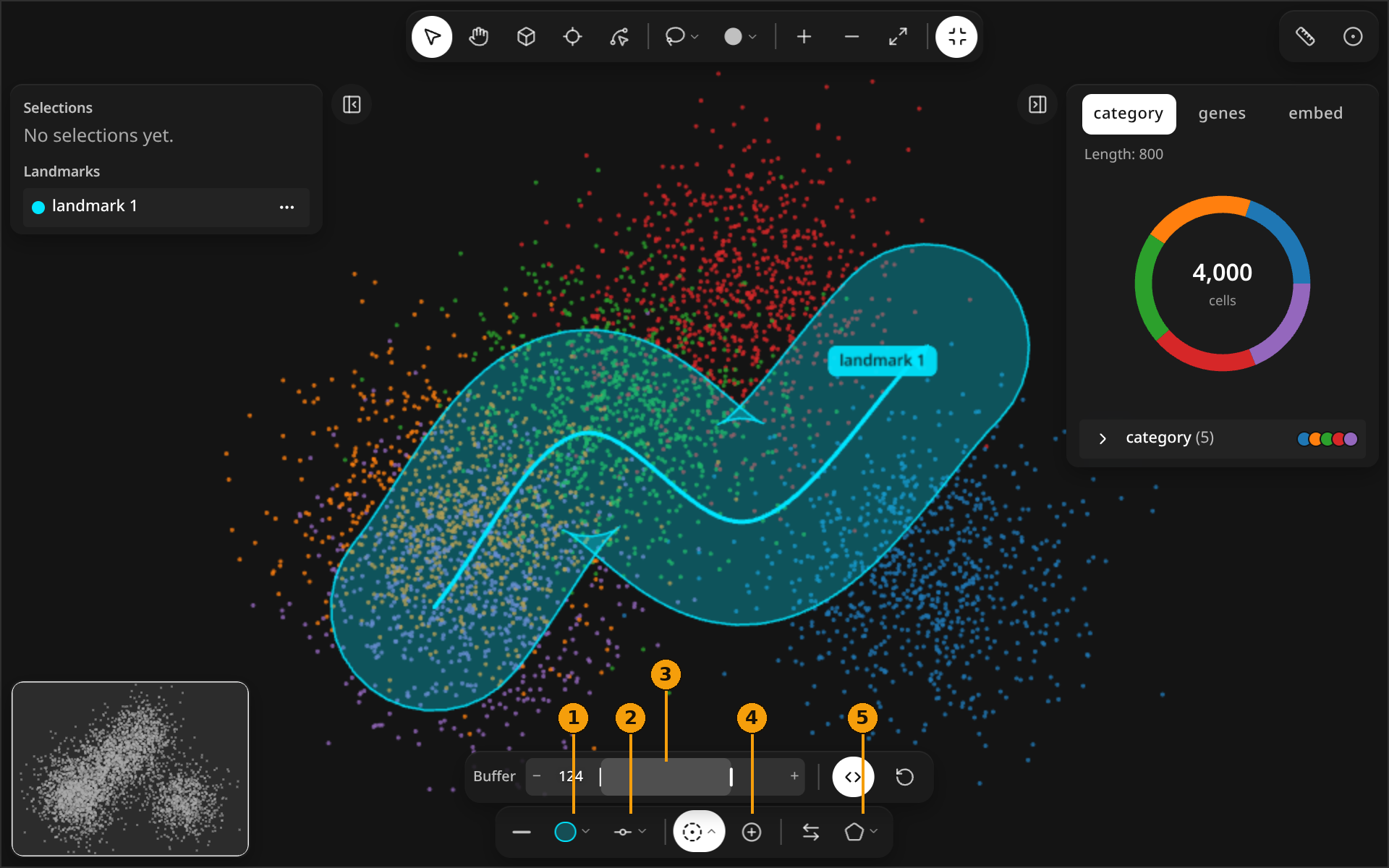
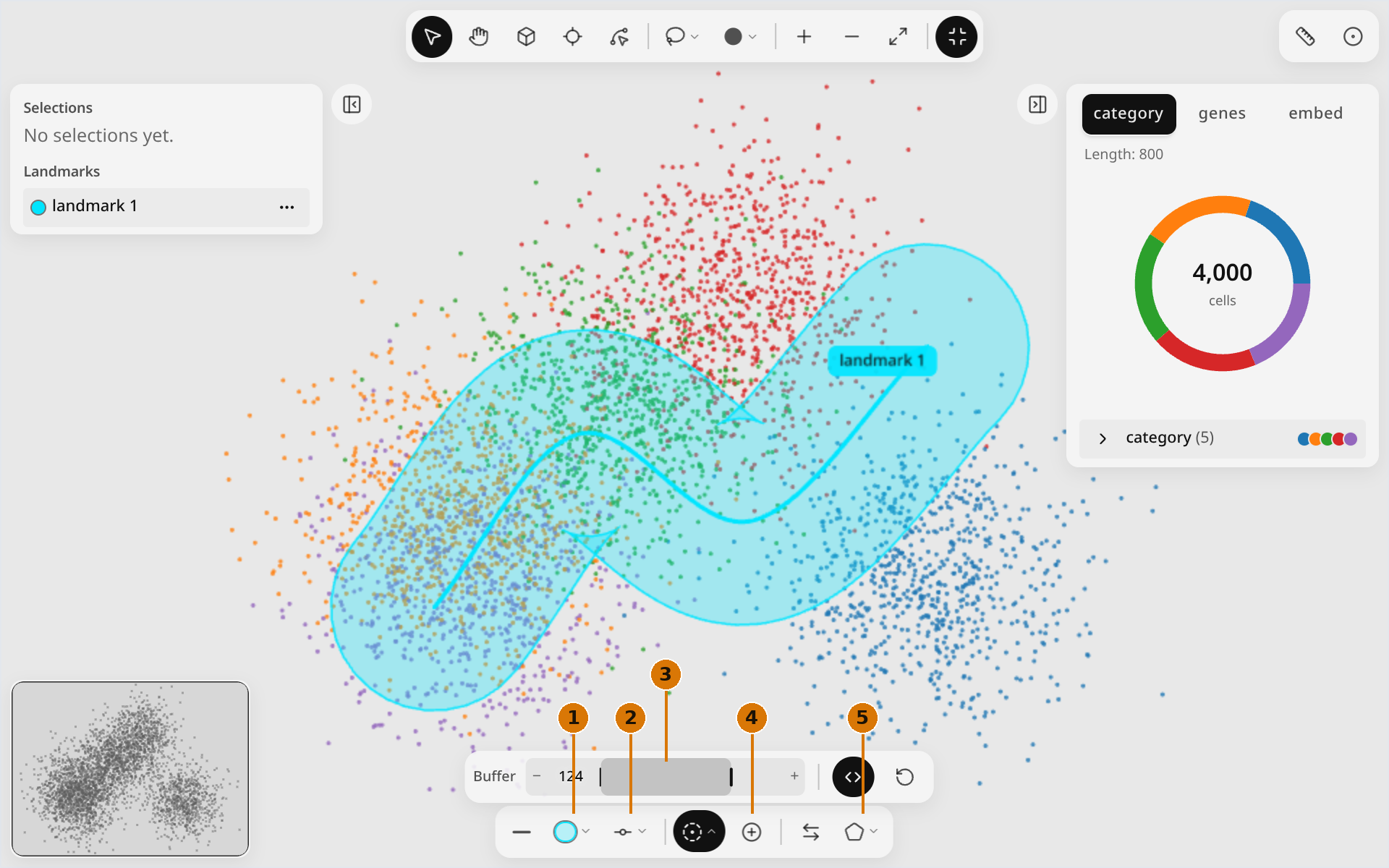
| Control | What it does | |
|---|---|---|
| Line style | Toggle solid or dashed. | |
| 1 | Color | Six swatches plus a custom color. |
| 2 | Tension | How tightly a spline follows its control points. |
| 3 | Buffer | Signed buffer width: negative is left or in, positive is right or out. Both sides makes it symmetric; Reset buffer sets it to 0. |
| 4 | Make selection from buffer | Turn the cells inside the buffer into a selection. |
| Reverse | Flip the direction of a line or spline. | |
| 5 | Convert type | Convert between Line, Spline and Shape. |
Right-click menu
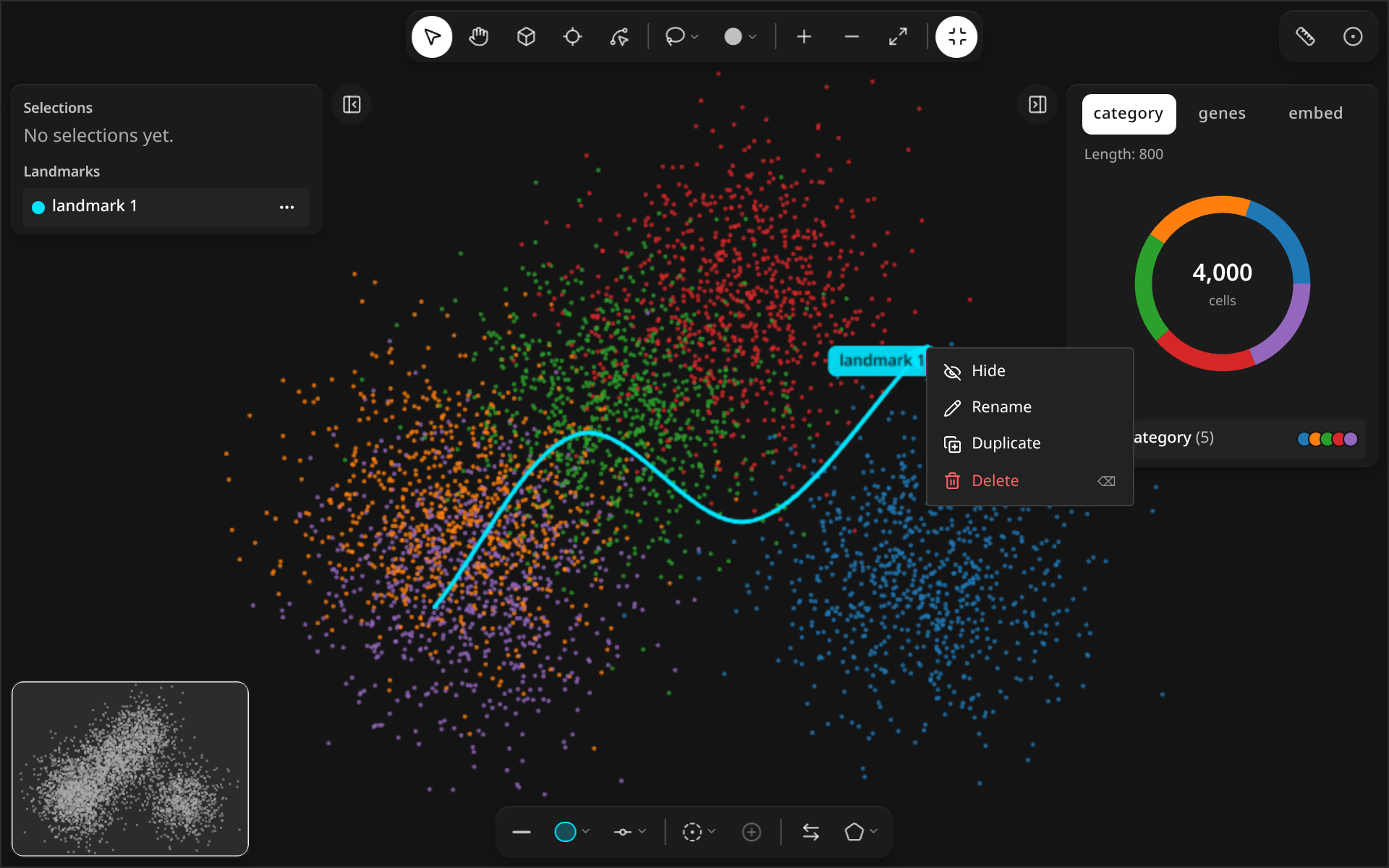
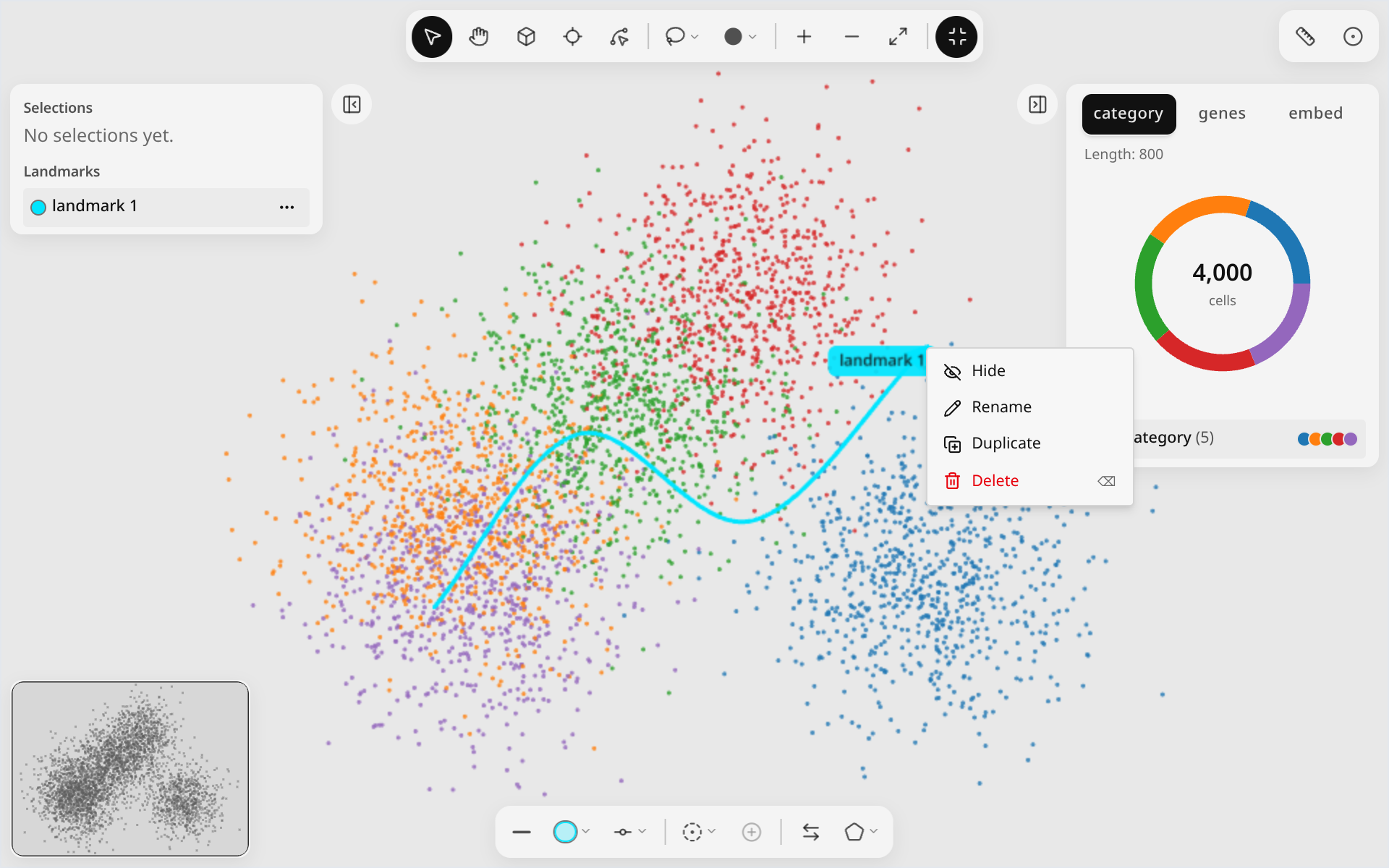
| Control | What it does | |
|---|---|---|
| Hide / Show | Toggle the landmark's visibility. | |
| Rename | Give the landmark a new name. | |
| Duplicate | Copy the landmark. | |
| Delete (⌫) | Remove the landmark. | |
| Insert node | In Node mode, add a vertex where you right-clicked. | |
| Delete node (⌫) | In Node mode, remove the active vertex. |
Python
w.landmarks updates on every edit. Convert to and from a GeoDataFrame (needs geopandas):
from milume import landmarks_to_geodataframe, geodataframe_to_landmarks
gdf = landmarks_to_geodataframe(w.landmarks)
w.landmarks = geodataframe_to_landmarks(gdf)
See GeoDataFrame interchange in the API reference.