Probe
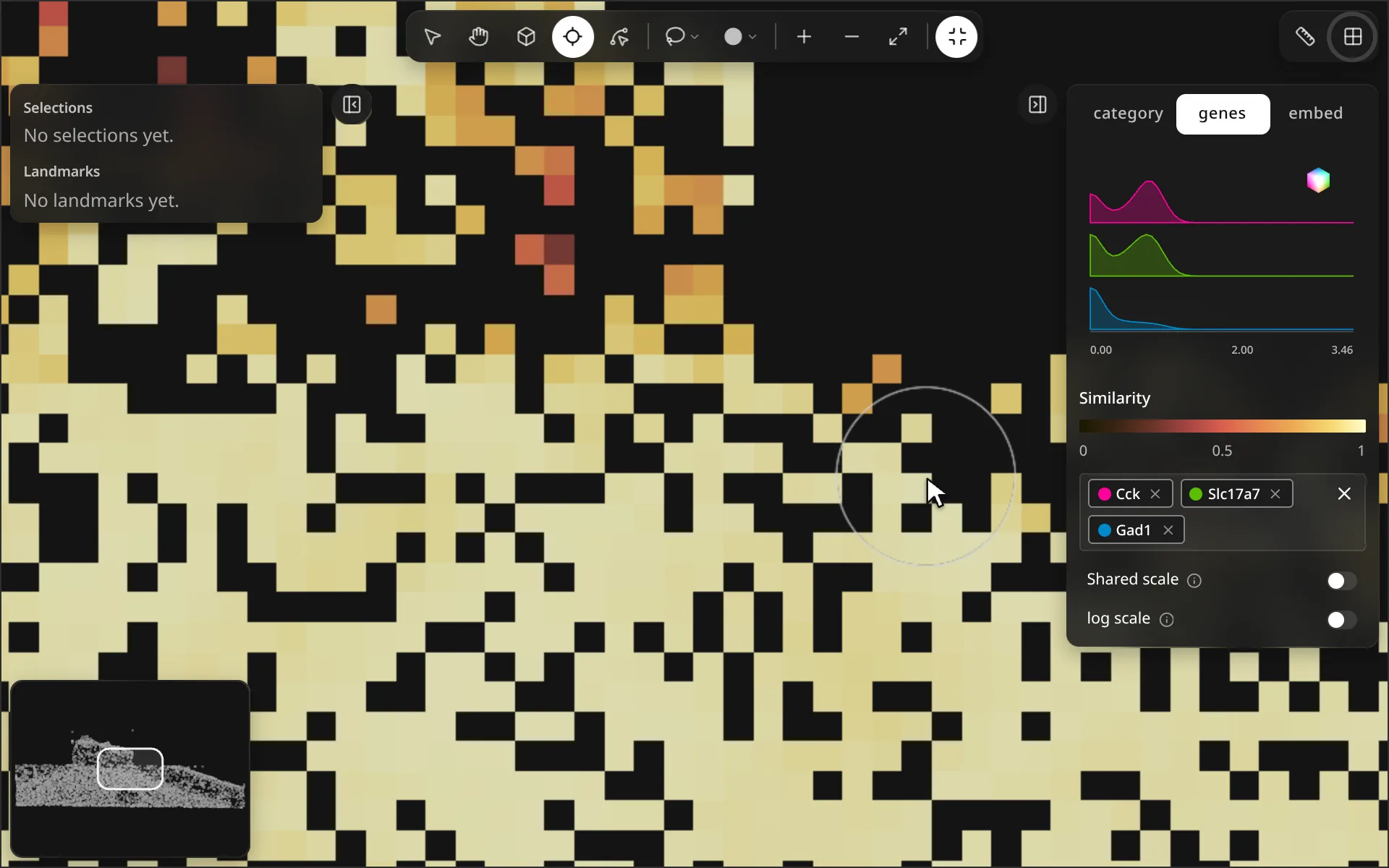
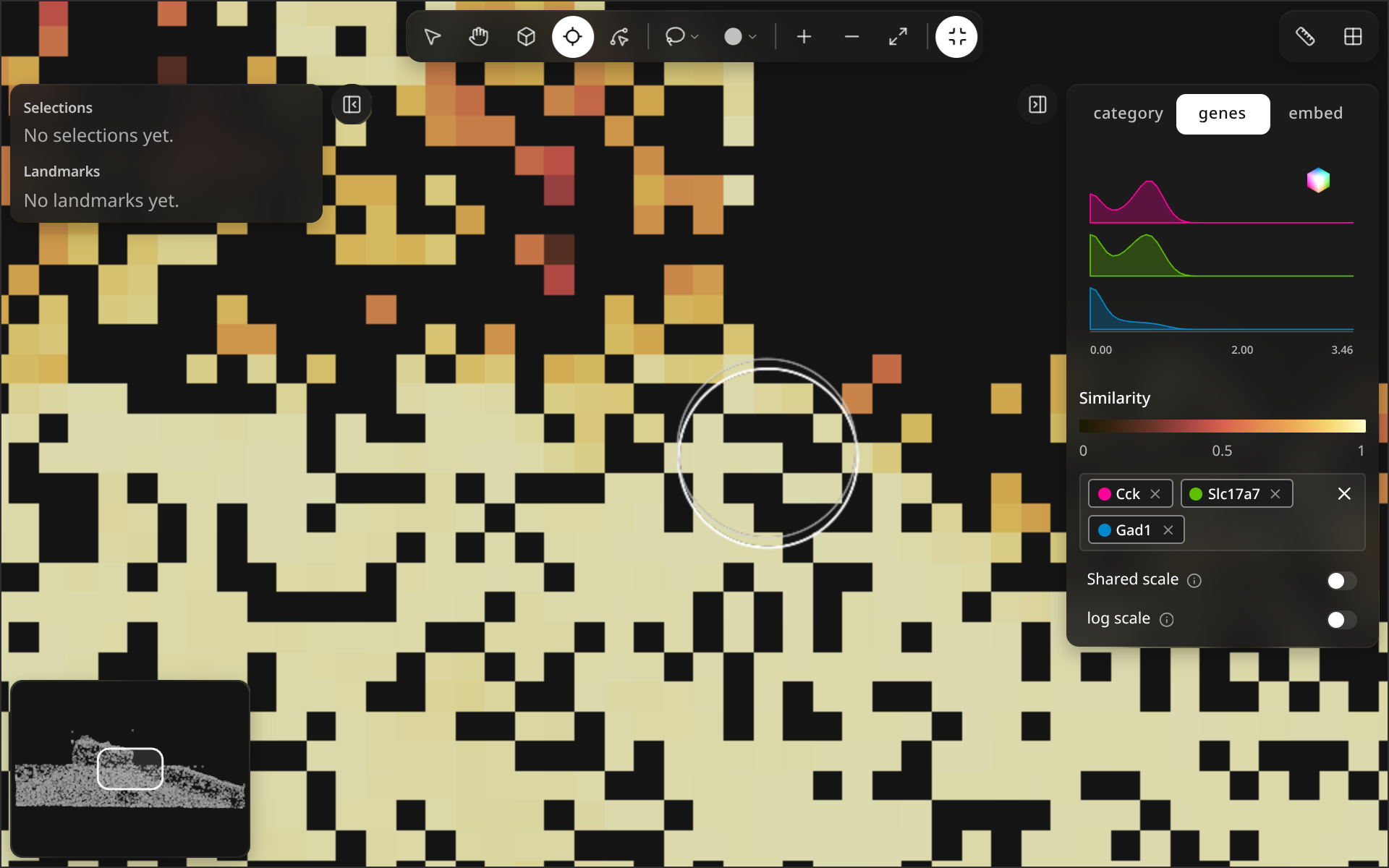
Hover a bin with Probe on; similar bins light up. Click to pin the query.
Probe compares raster bins, so switch the map to raster first ( points/raster; see Color & layers).
import milume
w = milume.peek(adata, genes=["GeneA", "GeneB", "GeneC"])
w.set_render_mode("raster")  # then press P and hover
Controls
| Control | What it does | |
|---|---|---|
| Probe (P) | Hover a bin to color every bin by its similarity to it; click to pin that bin. | |
| Similarity legend | Color scale from 0 (dissimilar) to 1 (identical), shown in the right panel while Probe is on. | |
| Esc | Clear the probe. |
With the genes tab active, similarity uses the picked genes; pick at least one gene first, or hovering does nothing.
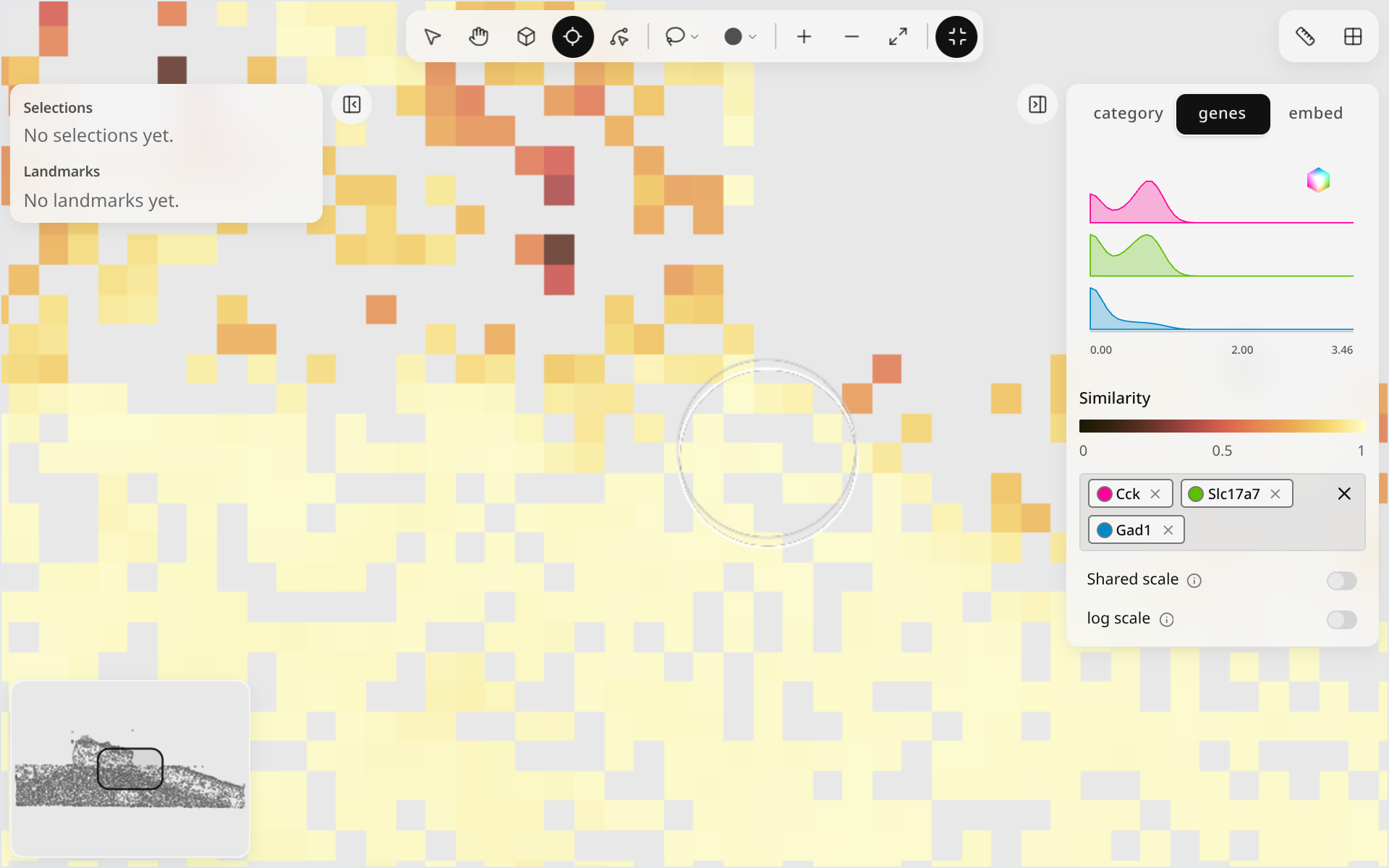
Pinned query
Python
w.raster_similarity_enabled = True  # similarity coloring without the Probe tool
w.raster_threshold = 0.5            # similarity cutoff for the map
w.raster_query_bin                  # pinned bin index, -1 when none
w.clear_raster_query()
See Synced traitlets and Methods.